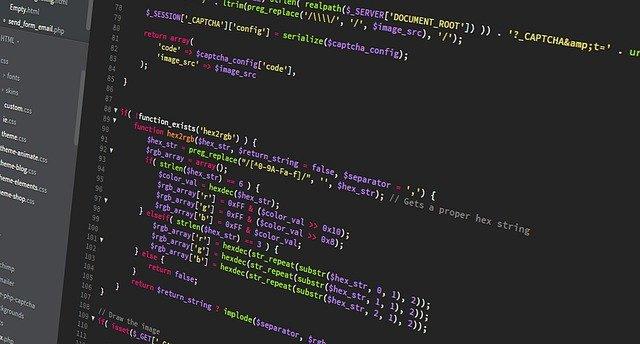
For programmatically capturing website screenshots in various programming languages such as PHP, Python, NodeJS, or via terminal commands, follow these straightforward steps outlined below.
There are times when you need to take a screenshot of a website. Of course, you can use the built-in print screen option in your browser and save the jpg file.
However, the problem arises when you have to perform this operation programmable in one of the programming languages PHP, PYTHON, NodeJS or simply from the terminal.
To automate the process of taking website screenshots, you will need to use specialized tools or libraries.
These tools interact with the webpage, render it as it would appear in a browser, and capture the rendered output as an image.
Popular solutions include Puppeteer for Node.js, Selenium for Python, or web services such as Google Cloud Functions. Each approach has its advantages, depending on your needs and the level of control you require over the output.
Here are the simple steps you need to take to generate a screenshot of a website in a simple and fast way without installing any additional software.:
Step 1 - Register in webshotapi.com
Click here to create new account. You will receive 50 free requests every month.
Step 2 - After sign up get api token
Click here and get your api key
Step 3 - Send screenshot requests to api server
You can also use our official library (SDK libraries)[/docs/sdk/] or generate code in this page: (Generate programming code)[/demo/]