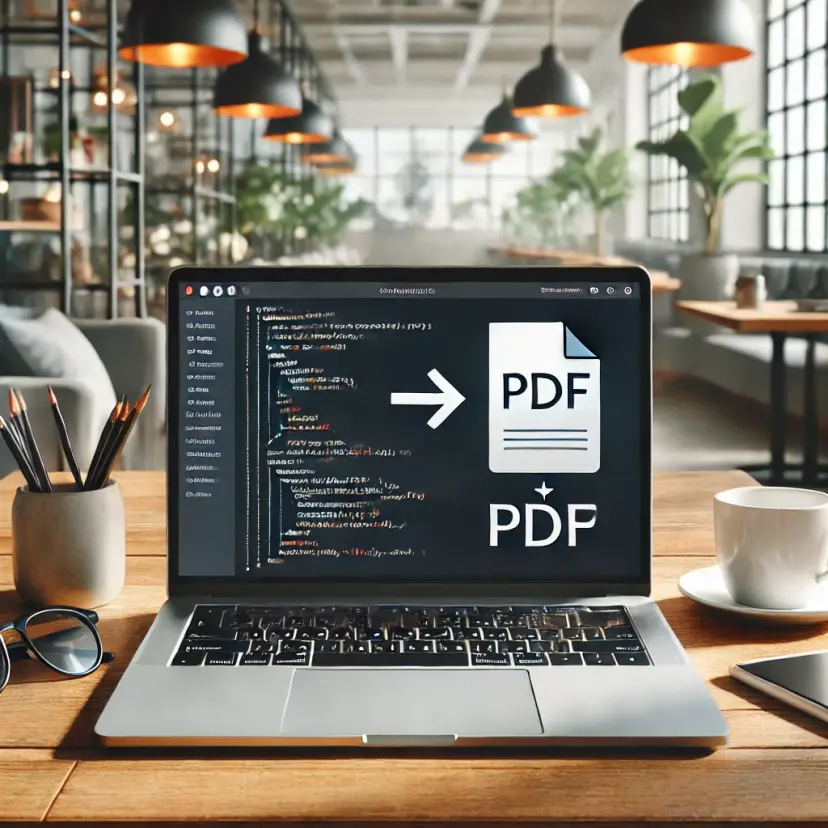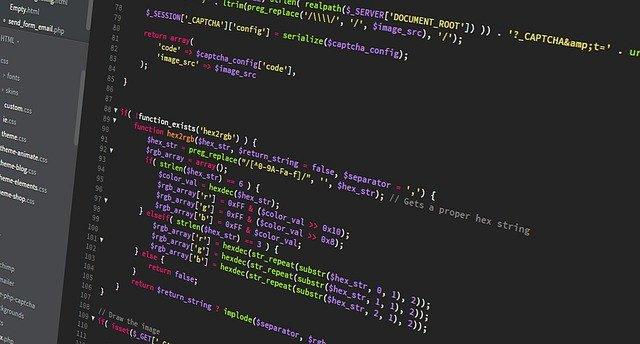
Automating website screenshot capture using PHP offers greater efficiency and customization, addressing the common need to streamline this process in various scenarios.
Creating website screenshots programmatically is a common requirement in various scenarios. While the conventional method involves using the built-in print screen option in your browser and manually saving the resulting jpg file, the need arises to automate this process using programming languages such as PHP
There are times when you need to take a screenshot of a website. Of course, you can use the built-in print screen option in your browser and save the jpg file.
To streamline this operation and integrate it seamlessly into your workflow, consider adopting a programmatic approach. This not only enhances efficiency but also allows for greater control and customization
However, the problem arises when you have to perform this operation programmable in one of the programming languages PHP, PYTHON, NodeJS or simply from the terminal.
Here are the simple steps to take that:
Step 1 - Register in webshotapi.com
Click here to create new account. You will receive 50 free requests every month.
Step 2 - After sign up get api token
After register get api key from our dashboard