Capture Full Webpages Seamlessly with Scrolling Screenshots. Turn any site into a smooth, professional video with customizable scrolling options.
What is a Website Scrolling Screenshot?
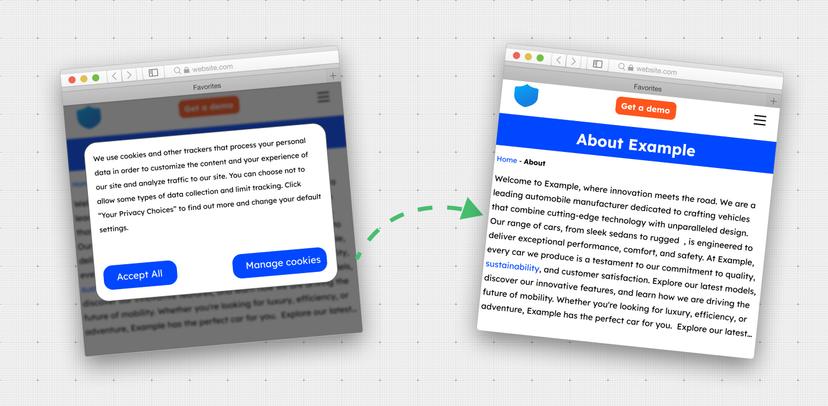
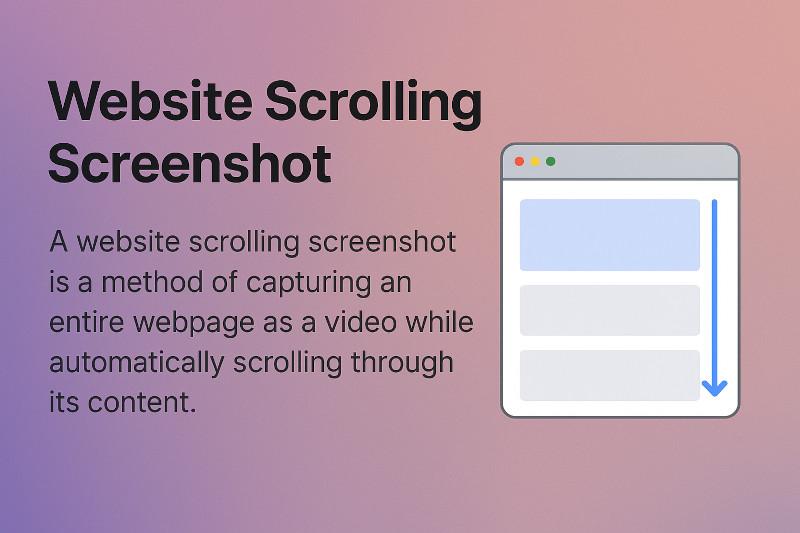
A scrolling screenshot of a website is a way to record an entire webpage as a video while scrolling through the page automatically.
Unlike a traditional static screenshot which only allows for a single still image of the visible portion of a page, a scrolling screenshot allows long-form content to be recorded all at once.
Scrolling screenshots work well to show any webpage type content such as landing pages, product listings, tutorials, and web designs.
It creates a video that simulates a real user scrolling through the page, obtaining a smooth and complete view of the content from the top of the page to the bottom.
Output Formats
The recorded scrolling screenshot can be exported as a video in standard formats. Typically supported formats include:
- MP4 - widely compatible and optimized for web playback
- WebM - modern format for web browsers with smaller file sizes
- GIF - short looping animations for easy sharing (if needed)
- AVI - old video file format
- MOV - apple video format
Example HTTP Request
Here is a sample API request to record a scrolling screenshot video:
Parameter Explanation
- url=https://bbc.com - The webpage you want to record (in this case, BBC homepage).
- video_duration=15 - The maximum recording time is 15 seconds.
- scrolling_enable=true - Enables automatic scrolling of the page during recording.
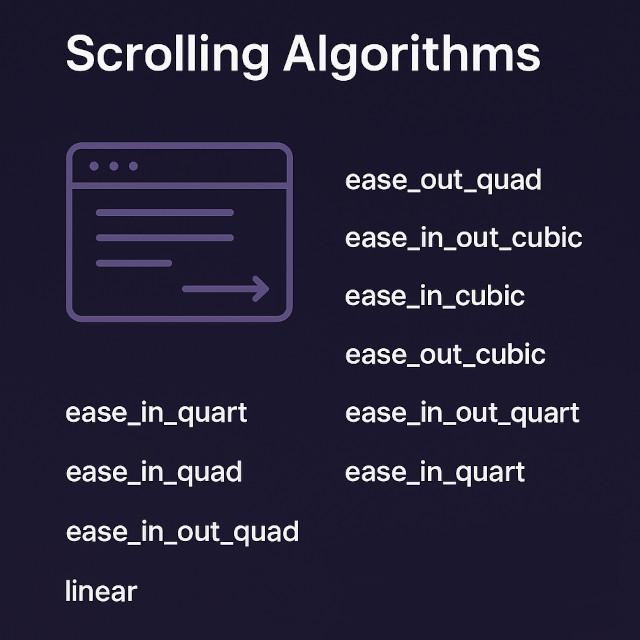
- scrolling_algorithm=ease_out_quad - Uses a smooth scrolling algorithm that starts quickly and slows down toward the end of each step.
- scrolling_scroll_duration=1500 - Each scroll step lasts 1.5 seconds.
- scrolling_scroll_distance=1000 - Each scroll step moves the page down by 1000 pixels.
Output movie response
Combining these scrolling parameters gives you complete control over how a web page is recorded and presented in video format.
Whether you want a smooth gradual scroll for product demos, or a rapid step-based scroll for documentation and testing, it's easy to adjust the recording to your requirements, since the API is so flexible.
Just a few parameters will turn any web page into a professional-looking video of automated scrolling ready to share, embed or analyze.
Example codes
Below are sample codes for our SDK. If you want to generate code for another programming language, use our query builder."