Read simple tutorial how to convert html page to pdf in simple 3 steps
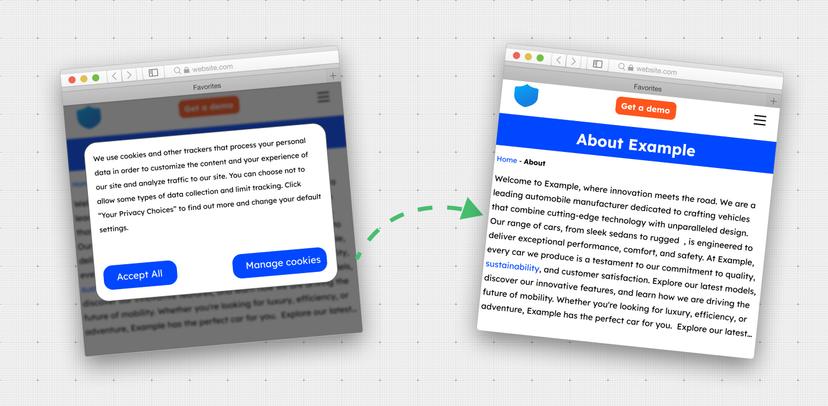
If you're searching for a reliable tool to convert a website into a PDF file, you've landed in the right spot. Our API provides a seamless solution, allowing you to effortlessly generate a PDF file from any website. The process is as simple as three steps:
Step 1 - Register in webshotapi.com
Click here to create new account. You will receive 50 free requests every month.
Step 2 - After sign up get api token
After register get api key from our dashboard
Step 3 - Send screenshot requests to api server
This option is helpful if you want to generate a pdf invoice from a website or other document, and you don't want to mess around with installing other libraries or writing special software. You just provide a link to the page you want to convert to PDF and that's it.